


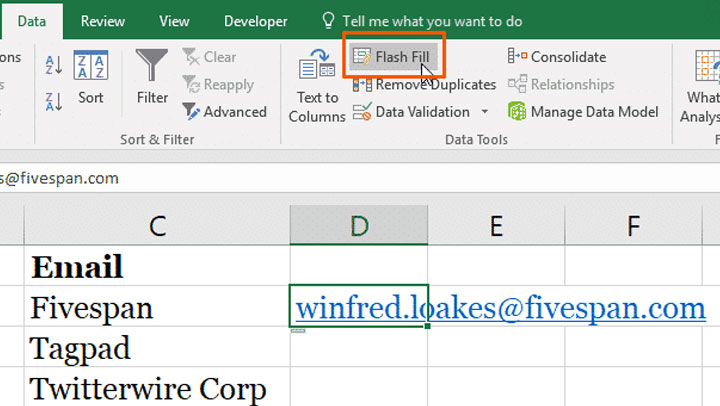
Flash Fill recognises a pattern in your data and is a great tool to extract a field and break it down into its component elements.For example, in this video tip Column A has the first and last name in one field. Flash Fill makes splitting the names up into two separate cells (first name and surname column) very easy.